
Description
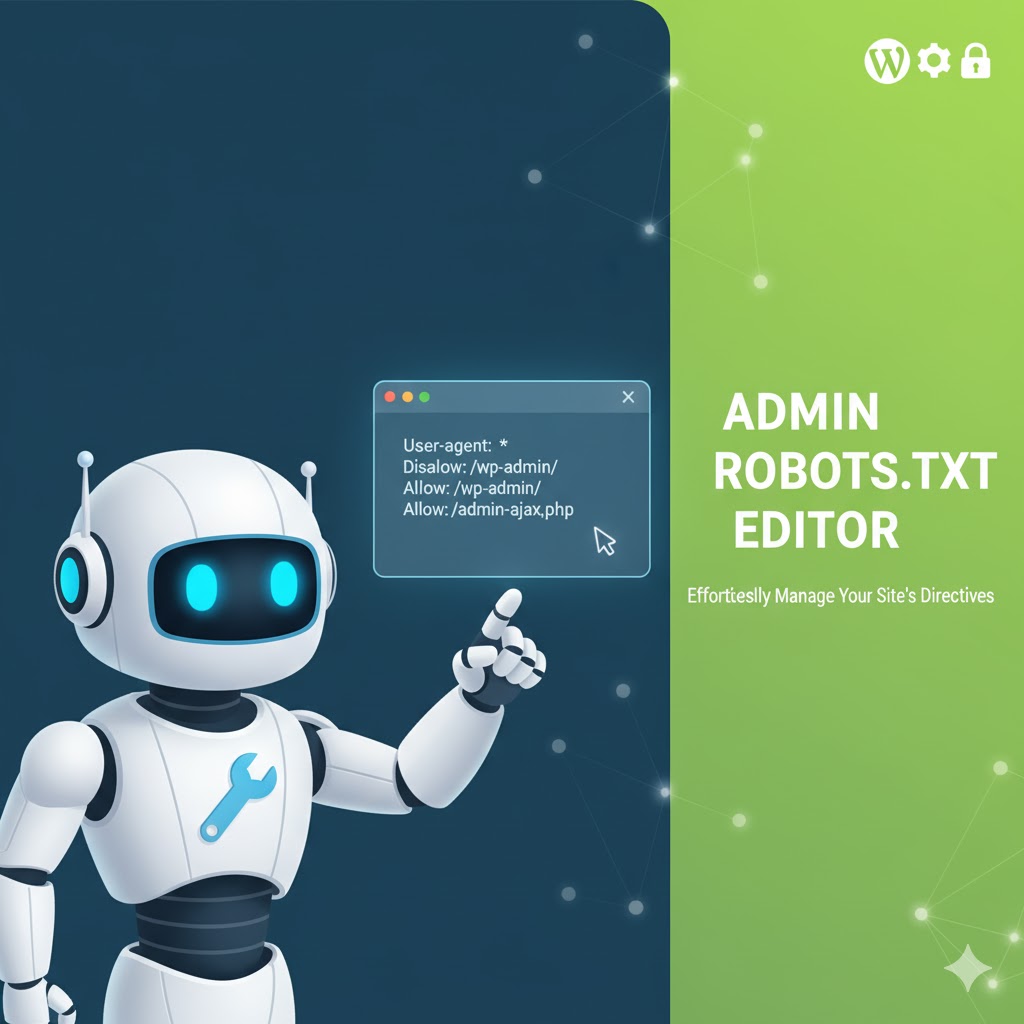
Admin Robots.txt Editor provides a secure WordPress admin interface for editing the site’s robots.txt file.
The plugin supports both:
- A physical
robots.txtfile in the WordPress installation root. - WordPress’s built-in
robots_txtfilter when a physical file does not exist.
Features:
- Edit and save
robots.txtfrom the WordPress dashboard. - Reset the file to a sensible WordPress default.
- Uses the official WordPress
robots_txtfilter. - Uses WordPress nonces and capability checks.
- Uses the WordPress filesystem API with a controlled fallback.
- Provides a default WordPress sitemap URL.
- Prevents a public robots file from allowing crawling when WordPress search-engine visibility is disabled.
Screenshots

Installation
- Upload the plugin ZIP through Plugins > Add New > Upload Plugin, or extract it into
/wp-content/plugins/admin-robots-txt-editor/. - Activate the plugin.
- Open Robots.txt in the WordPress admin sidebar.
- Edit the content and click Save robots.txt.
- Verify the public file at
https://example.com/robots.txt.
FAQ
-
What happens if a physical robots.txt already exists?
-
The editor reads and updates the physical file. A physical file is normally served directly by the web server, so the WordPress
robots_txtfilter is used when a physical file is not present. -
Does it require a sitemap plugin?
-
No. The default content uses WordPress’s standard
/wp-sitemap.xmlURL. SEO plugins can replace or extend the robots.txt output as needed. -
Where can I find the editor?
-
Open Robots.txt in the WordPress admin sidebar.
-
Is it compatible with current WordPress?
-
Version 1.0.1 follows the WordPress plugin coding and security practices and uses the official
robots_txtAPI.
Reviews


Contributors & Developers
“Admin Robots.txt Editor” is open source software. The following people have contributed to this plugin.
Contributors
Translate “Admin Robots.txt Editor” into your language.
Interested in development?
Browse the code, check out the SVN repository, or subscribe to the development log by RSS.
Changelog
1.0.1
- Updated compatibility information for WordPress 7.0.4.
- Improved robots.txt file reading and writing.
- Added safer filesystem handling and file locking.
- Respected WordPress public/private site visibility in virtual robots.txt output.
- Improved admin form actions, escaping, accessibility, and documentation.
- Corrected documentation to match the actual admin menu location.
1.0
- Initial release.